
Smart home networking means connecting household devices in a way that keeps Wi-Fi usable, accounts protected, and gadgets separated enough that one weak device does not stress the whole network.
Smart-home starter signal: Begin with router placement, strong Wi-Fi security, updated devices, a guest or IoT network when available, and a simple inventory of what connects to the internet.
What your smart devices are doing on the network
Smart bulbs, plugs, cameras, speakers, thermostats, TVs, doorbells, appliances, and hubs all need some combination of Wi-Fi, Bluetooth, Thread, Zigbee, Ethernet, cloud accounts, and mobile apps. To a beginner, they may feel like separate products. To the home network, they are a growing crowd of devices asking for signal, updates, credentials, and sometimes constant cloud access.
A basic network plan starts with the router. The FCC's FCC home network tips recommend central placement and explain why a wired Ethernet connection can reduce congestion for high-demand devices. CISA's CISA home network security guidance focuses on security because a home network connects sensitive devices such as computers, phones, cameras, and smart appliances.
The goal is not to fear smart devices. It is to avoid letting every gadget join the most trusted part of the network with weak passwords and forgotten updates. If you want to understand how this connects to household risk, read the guide to family internet safety mistakes.
Set up the home network before pairing devices
Do these basics before adding the next device. First, rename the router admin password if it is still the factory default. Second, use WPA2 or WPA3 security if the router supports it. Third, choose a Wi-Fi password that is not reused for email, shopping, or banking. Fourth, update router firmware through the official admin interface or app.
Next, decide where smart devices should live. Many routers offer a guest network or device isolation setting. Some users place low-trust smart home gadgets on a separate network so laptops, work machines, and phones are less exposed if a device behaves badly. The exact feature names vary, so use your router manual and avoid changing unfamiliar settings all at once.
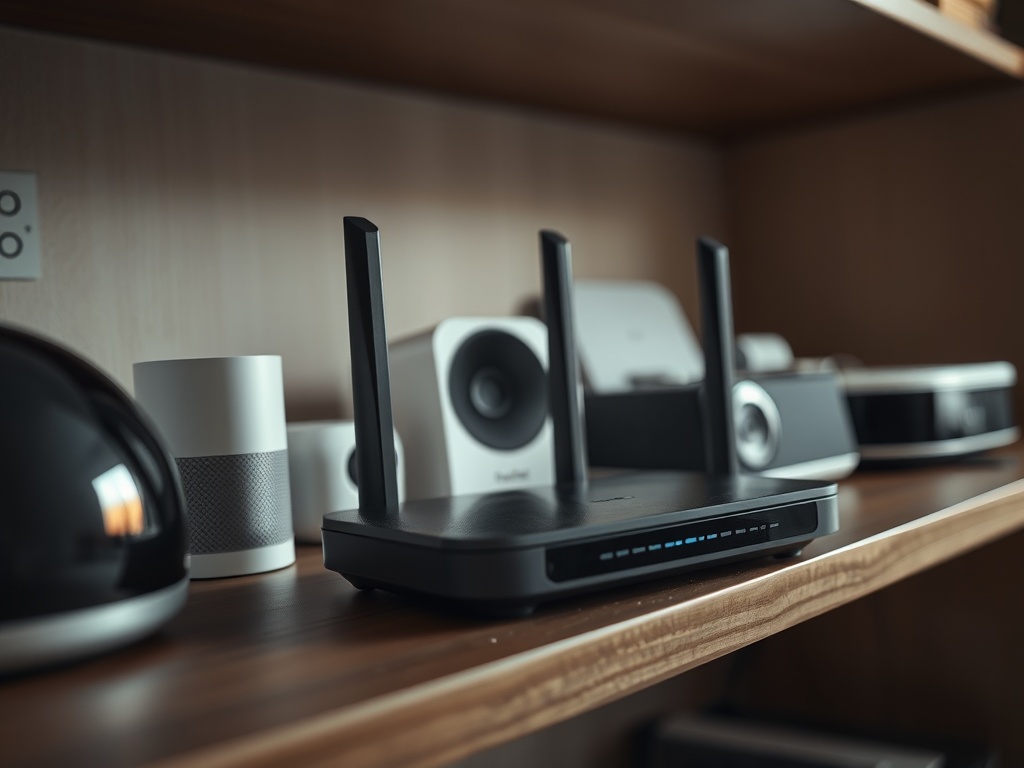
Common smart-home network decisions
Use this table to make beginner choices without chasing every protocol detail.
| Decision | Beginner-friendly choice | Why it helps |
|---|---|---|
| Router placement | Central, open location away from thick walls and metal cabinets | Improves signal before you buy extenders or extra gear. |
| Smart camera connection | Strong Wi-Fi signal or Ethernet where possible | Cameras need more bandwidth than bulbs or plugs. |
| Guest or IoT network | Use it for devices that do not need access to laptops or storage | Limits how much trust each gadget receives. |
| Device updates | Enable automatic updates when trustworthy and available | Reduces known security weaknesses. |
| Account security | Unique passwords and multi-factor authentication for major accounts | Protects cloud controls tied to physical devices. |
Small habits that keep gadgets from crowding each other
Keep an inventory. A simple note with device name, room, app, account email, and purchase date is enough. This helps when a phone is replaced, a device is sold, or a family member forgets which app controls the lights. It also helps you retire old gadgets instead of letting them stay online forever.
Group bandwidth-heavy devices thoughtfully. Security cameras, video doorbells, TVs, laptops, game systems, and backup drives can create more pressure than sensors or bulbs. If video calls suffer every evening, the issue may not be the smart plug. It may be the combination of streaming, cloud backups, cameras, and router placement.
When you add a hub or dock to a computer that lives near smart-home gear, the physical setup can matter too. The USB hub and dock setup checklist guide can help keep desk devices organized so computer accessories do not become part of the same troubleshooting mess.
Security checks beginners should actually do
Delete devices you no longer own from their apps. Change default device names if they reveal too much. Avoid sharing the main Wi-Fi password with visitors if a guest network is available. Use different passwords for smart-home accounts. Review app permissions on your phone, especially location, microphone, camera, and local network access.
Be careful with devices that no longer receive updates. A cheap gadget can be useful, but if it depends on an abandoned app or unknown cloud service, it may create more maintenance than value. Verified facts about a specific product should come from the manufacturer or a credible security notice, not from rumor or forum speculation.
A simple device inventory pays off later
A smart-home inventory does not need to be complicated. Record the device type, room, app, account email, connection type, and whether automatic updates are enabled. Add purchase date and model only when easy. The inventory helps when someone changes phones, when a device stops responding, or when a household wants to remove old equipment before moving.
Review the list every few months. Remove devices that are no longer plugged in, update apps tied to cameras and locks, and check that shared account access still makes sense. The more ordinary this habit becomes, the less likely smart devices are to become forgotten network clutter.
When to upgrade the router instead of the gadget
Sometimes a smart device is not the problem. If many devices drop offline, video calls freeze near the same rooms, or the router no longer receives updates, the network foundation may need attention. Start by updating firmware and improving placement before replacing hardware.
Upgrade the router when coverage, security features, or device capacity no longer match the home. Buying more smart gadgets before fixing weak Wi-Fi often spreads the same problem into more rooms.
Give smart devices a calmer path online
A smart home does not need enterprise networking to be safer and smoother. Place the router well, secure Wi-Fi, update devices, separate low-trust gadgets when you can, and keep an inventory. Those habits keep the network understandable as the number of devices grows.